
Spreadsheet Budget vs. Budgeting App: Which Tracking Method Works Better?
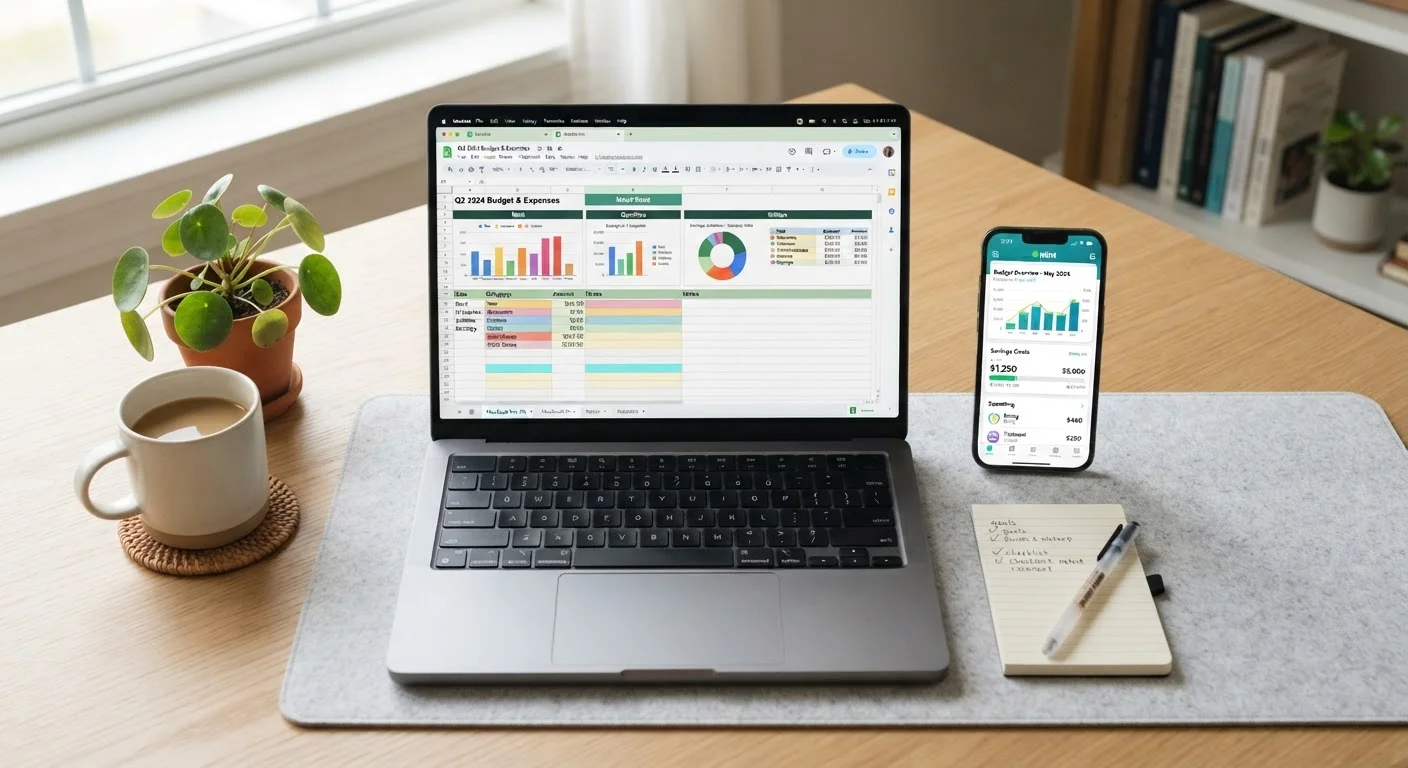
Photo credit: FaqInsider.com
In this article
Paper, spreadsheets, or apps — the right tracking tool depends on how you think and how much time you want to spend. Here's what each approach involves.
Key Takeaways
- Spreadsheets offer full customization but require consistent manual effort to stay accurate.
- Budgeting apps automate transaction import but ask you to share financial account access.
- Your ideal tool depends on how you learn, how much time you have, and your privacy preferences.
- Both methods work - the best one is whichever you'll actually stick with long term.
- Switching tools mid-month can disrupt tracking; pick one and give it at least 60 days.
How Each Method Actually Works
A spreadsheet budget is a document - in Google Sheets, Microsoft Excel, or a similar tool - where you manually record your income, list your spending categories, and enter transactions yourself. You design the layout, set the formulas, and decide what gets tracked. The system is only as smart as the rules you build into it.
A budgeting app is software - usually on your phone - that typically links to your checking, savings, and credit card accounts through a secure data connection. It pulls in transactions automatically, categorizes them, and displays your spending against preset or custom budget limits. Most apps also send alerts when you're nearing a category limit.
Both tools serve the same purpose: helping you see where your money goes so you can make deliberate decisions with it. The difference is in how much work they ask of you, and how much access they require. For a broader look at the methods you might track with either tool, see budgeting methods compared.
The Case for Spreadsheets
Spreadsheets shine when flexibility matters most. You can build categories that mirror your actual life - splitting groceries from dining out, separating pet costs from general household spending - without waiting for an app update to support that option.
They're also free. Google Sheets requires only a Google account. That matters if you're building a budget on a tight income and can't absorb a subscription fee.
The main drawback is the manual workload. Every transaction has to be entered by hand. That discipline is genuinely useful - research consistently suggests that people who actively log spending develop stronger awareness of their habits - but it also means the system breaks down if you fall behind by even a week. Catching up after a gap is tedious, and errors compound.
| Criterion | Spreadsheet Budget | Budgeting App |
|---|---|---|
| Cost | Free (Google Sheets) or low-cost | Free tiers available; many charge fees |
| Setup time | Moderate - build your own structure | Fast - templates and account sync |
| Transaction entry | Manual - entered by hand | Automatic via bank account sync |
| Customization | Unlimited - you control everything | Limited to app's available categories |
| Privacy / data sharing | None required | Bank credentials or access tokens shared |
| Spending insights | Only what you build yourself | Built-in charts and category summaries |
| Best for | Detail-oriented, DIY users | Busy users wanting automation |
The Case for Budgeting Apps
Apps reduce friction dramatically. Once your accounts are linked, transactions flow in on their own, and most apps make a reasonable first guess at the category - groceries, gas, utilities. You review and correct rather than enter from scratch. For people with busy schedules or multiple accounts, that automation is the difference between a budget they maintain and one they abandon.
Apps also surface patterns you might miss. Visual spending breakdowns by category or month make trends visible at a glance in ways that a row of numbers sometimes doesn't.
The trade-off is privacy and cost. Linking bank accounts requires sharing credentials or account-access tokens with a third-party service. Reputable apps use bank-grade encryption and established data protocols, but the access is real, and some people are uncomfortable with it. Additionally, many capable apps carry a monthly or annual fee.
~1 in 3
Americans who follow a formal budget
Surveys by Gallup and similar polling organizations have consistently found that fewer than half of U.S. adults track spending with a structured budget.
60%+
Mobile app users who abandon after 30 days
Industry data on app retention generally shows that the majority of users stop engaging with personal finance apps within the first month of download.
If you want to understand which budgeting approach to pair with your chosen tool, comparing zero-based and 50/30/20 budgeting is a useful next step.
Making Your Choice - and Making It Stick
There's no universally superior option here. A spreadsheet used consistently every week will outperform a feature-rich app that gets opened twice a month. The real question is: which format matches the way you naturally engage with information?
If you like tinkering, prefer working in a browser or desktop environment, and want no subscriptions or account sharing, start with a spreadsheet. If you want fast setup, automatic transaction logging, and progress visualizations, an app is likely to keep you more engaged.
Give whichever you choose at least 60 days before evaluating it. One month often includes irregular expenses - a car repair, a medical bill - that skew your sense of how the tool is performing. Use a monthly budget setup checklist to structure your first cycle, and return to habits that keep a budget on track when the novelty wears off.
This article is for general informational and educational purposes only and does not constitute personalized financial advice. Consult a qualified financial professional for guidance specific to your situation.

Author
Finance Editorial Team
Finance Editorial Team is the collective byline for our editorial team and contributor network. Articles published under this byline or an editorial pen name are researched, written, and reviewed according to our editorial standards for clarity, consistency, and independence before publication.
View all articles →