
Digital and Physical Security on the Road: Protecting Yourself from Theft and Scams
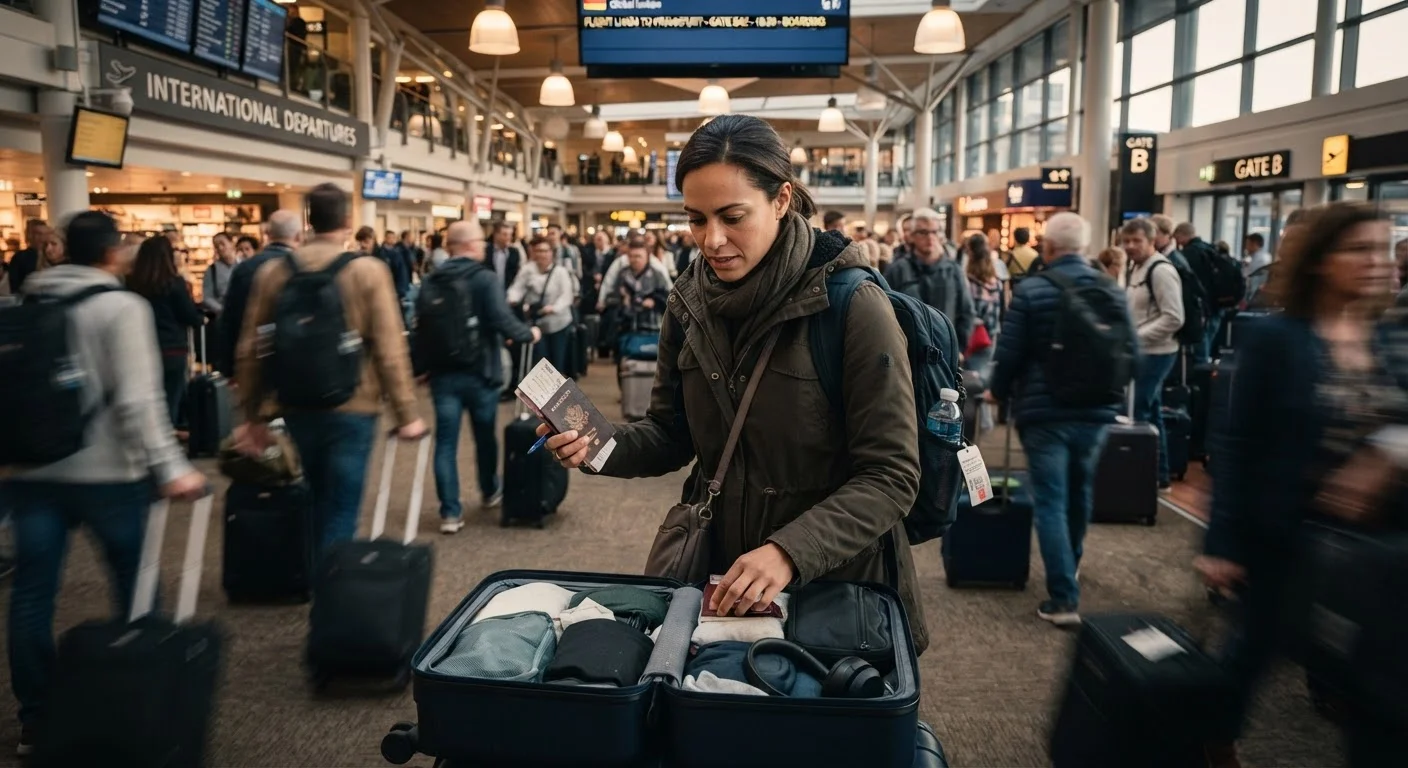
Photo credit: FaqInsider.com
From skimming devices to pickpocket hotspots, learn how common travel crimes work and what precautions security experts typically recommend.
Key Takeaways
- Pickpockets and scammers often target tourists in predictable high-traffic locations like transit hubs and tourist squares.
- Using a VPN and avoiding public Wi-Fi for sensitive transactions can significantly reduce your digital exposure.
- Card skimmers and ATM fraud remain common in popular tourist destinations worldwide.
- Simple physical precautions - like a money belt and split cash storage - can limit losses if theft does occur.
- Awareness of common distraction scams is often more protective than any single security device.
Why Travel Security Deserves Your Attention
Travel opens the world - but it also puts you in unfamiliar environments where your routines, instincts, and local knowledge are all temporarily offline. Opportunistic theft and traveler-targeted scams thrive precisely in that gap. The good news: most travel crime is not random. It follows patterns, and understanding those patterns puts you well ahead of the curve.
This guide covers the most common physical and digital threats travelers encounter, along with the practical precautions that security professionals and experienced travelers consistently recommend. You don't need to travel in a state of anxiety - just with a bit of preparation. For a broader look at how to stay safe independently, see our solo travel safety guide.
Recognize distraction scams before they happen
Distraction scams are among the most widespread and effective tricks used against tourists worldwide. They work because they exploit natural social instincts - the urge to help someone, respond to a question, or react to a sudden commotion. While your attention is diverted, an accomplice lifts your wallet, phone, or bag.
Common versions include someone asking you to sign a petition, a group of children approaching at once, a staged argument nearby, or someone pointing out a supposed stain on your clothing. Recognizing these setups - especially in busy squares, metro stations, and landmark areas - is your first line of defense. Trust your instincts: if an interaction feels off, it's fine to step back and disengage without explanation.
Distraction scams exploit your social instincts - recognizing the setup is your strongest defense.
Use physical barriers against pickpockets
Pickpockets operate most effectively when valuables are in predictable, easily accessible places - back pockets, outer bag compartments, or dangling from a shoulder. A few simple adjustments make their job significantly harder.
- Money belts or neck pouches worn under clothing keep passports and emergency cash hidden from view.
- Front pockets are far harder to access undetected than rear pockets.
- Cross-body bags with zipper compartments facing inward add another layer of friction.
- Split your cash and cards across two locations - if one is compromised, you're not stranded.
Avoid pulling out large amounts of cash in public. Withdraw smaller amounts more frequently, and be aware of who is nearby when you use an ATM.
Splitting cash and cards across two locations means a single theft doesn't leave you stranded.
Spot and avoid compromised ATMs
Card skimming - the installation of a thin device over an ATM's card reader to capture your card data - remains a real and documented threat in many tourist destinations. Skimmers are often nearly invisible to the casual observer, but a few habits can reduce your exposure considerably.
Before inserting your card, briefly wiggle the card reader slot. Legitimate ATM hardware is firmly fixed; a skimmer may feel loose or detach slightly. Also check for small pinhole cameras near the keypad, and always cover the keypad with your hand when entering your PIN. Bank-branded ATMs inside bank branches during business hours are generally considered lower-risk than standalone machines in high-traffic tourist areas. If an ATM looks tampered with or unusual, use a different one.
Covering the keypad when entering your PIN defeats the most common skimming camera setups.
Protect your digital accounts and devices
Your smartphone carries more sensitive information than your wallet ever did - email, banking apps, travel bookings, and identification documents. Losing it, or having it compromised, can create serious problems far beyond the cost of replacement.
- Enable full-device encryption and a strong PIN or biometric lock before you leave home.
- Turn on remote wipe capabilities through your phone's built-in security settings, so you can erase data if the device is stolen.
- Use two-factor authentication on email, banking, and travel accounts.
- Avoid accessing financial accounts on public devices or shared computers.
- Keep your operating system and apps updated - security patches close known vulnerabilities.
Also be cautious about what you share publicly. Posting real-time location updates or broadcasting your hotel name on social media can inadvertently signal to bad actors that your room is unoccupied.
Enabling remote wipe before you travel means a stolen phone doesn't have to become a stolen identity.
Use caution on public Wi-Fi networks
Free Wi-Fi in airports, cafés, and hotels is convenient - and commonly cited by cybersecurity professionals as a higher-risk environment for data interception. Unsecured networks can expose login credentials, financial information, and personal data if proper precautions aren't taken.
A Virtual Private Network (VPN) encrypts your internet traffic, making it far harder for anyone on the same network to intercept your data. Many travelers consider a reputable VPN one of their most practical digital travel tools. As a general rule, avoid logging into banking or sensitive accounts on any public network, even with a VPN. If you need secure access, consider using your phone's cellular data connection instead - it's typically more secure than open Wi-Fi.
Cellular data is typically more secure than public Wi-Fi for accessing sensitive accounts on the road.
Be skeptical of unsolicited help and too-good offers
Scams targeting tourists frequently start with helpfulness. Someone offers to help you use a ticket machine, flags down a taxi on your behalf, or steers you toward a restaurant or tour. Sometimes the help is genuine. But in high-tourist areas, unsolicited assistance can lead to inflated fees, commission arrangements you didn't agree to, or outright fraud.
Standard guidance from travel safety organizations includes: buy tickets from official booths when possible, use metered taxis or verified ride-share apps rather than accepting unmarked cabs, and be cautious of anyone who approaches you first with an offer. This isn't about being unfriendly - it's about applying the same discernment you'd use at home in an unfamiliar city. For more on navigating airport and transit environments safely, see our guide on what travelers get wrong about airport safety.
Unsolicited help in tourist areas sometimes comes with hidden costs - applying normal discernment goes a long way.
Make copies and backups of critical documents
If your passport, driver's license, or travel documents are lost or stolen, having copies dramatically speeds up the recovery process. Keep a digital copy stored in a secure, cloud-based location (not just on the device you're carrying), and carry a physical photocopy stored separately from the originals.
Many experienced travelers also note the following as useful preparation: record your credit card numbers and the international customer service numbers to call if cards are lost, and keep your travel insurance policy number and emergency contact accessible. The U.S. Department of State's STEP program (Smart Traveler Enrollment Program) allows Americans traveling abroad to register their trip, making it easier for the embassy to assist in an emergency - it's free and takes only a few minutes to set up.
A digital copy of your passport stored in a secure cloud location can cut recovery time dramatically if the original is lost.
Start Smart, Stay Protected
No single precaution eliminates all risk, but layering smart habits - both physical and digital - makes you a far less appealing target. Criminals, whether online or in person, generally follow the path of least resistance. The traveler who takes a few minutes to split their cash, set up two-factor authentication, and spot a suspicious ATM is far better positioned than one who doesn't.
Before You Leave: A Quick Security Checklist
Enable two-factor authentication on your key accounts, set up remote wipe on your phone, make digital and physical copies of your passport, and split your cash and cards before departure. These steps take under an hour and can prevent hours - or days - of problems if something goes wrong on the road.
It's also worth noting that some security risks overlap with broader money-loss patterns. Our article on where budget travelers lose money without realizing it covers financial blind spots that can compound the impact of a scam or theft.
This article is for general informational purposes only. Conditions, crime patterns, and local laws vary significantly by destination. Always verify current safety conditions through official government travel advisories before your trip.

Author
Travel Editorial Team
Travel Editorial Team is the collective byline for our editorial team and contributor network. Articles published under this byline or an editorial pen name are researched, written, and reviewed according to our editorial standards for clarity, consistency, and independence before publication.
View all articles →