
Useful Travel Planning Tools and What Each One Is Actually Good For
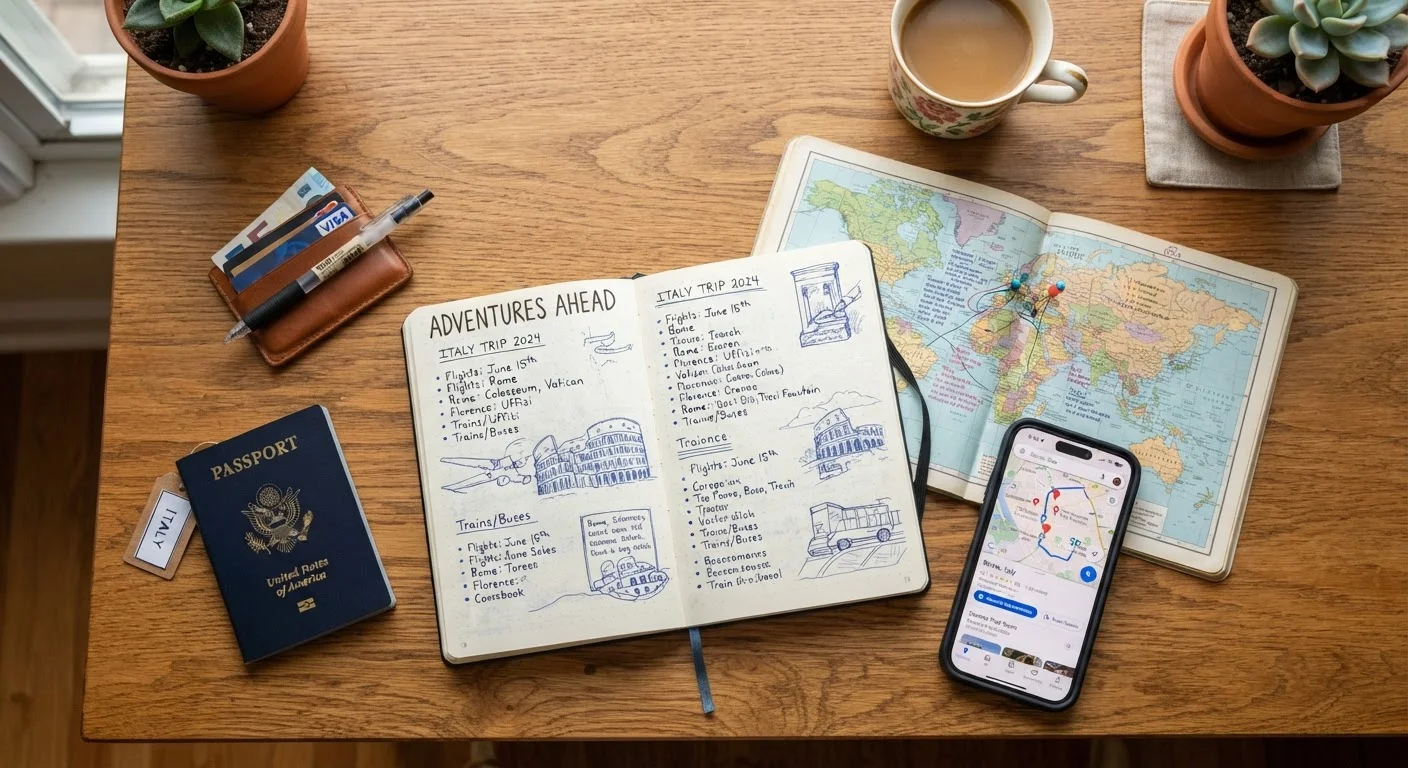
Photo credit: FaqInsider.com
In this article
Maps, itinerary builders, currency converters, and offline apps all serve different purposes. Here's how to use each effectively.
Key Takeaways
- Different planning tools serve distinct purposes - using each for its strengths saves time and reduces errors.
- Offline-capable apps are essential for navigating destinations with unreliable internet access.
- Currency converters and budget trackers work best when set up before you depart, not after you land.
- Itinerary builders help spot scheduling conflicts and pacing problems early in the planning process.
- Flight search tools with flexible-date features can reveal lower-fare windows without constant manual searching.
Why One App Is Never Enough
Travel planning has never been more tool-rich - and that abundance is both a gift and a trap. Travelers who try to do everything inside a single platform often find themselves working around limitations, while those who match each task to the right tool plan faster and with fewer surprises. The trick isn't finding a magic all-in-one solution; it's understanding what each category of tool actually does well.
Whether you're coordinating a multi-city loop or mapping out a two-week road trip, a clear-eyed look at your toolkit pays off. This list walks through the most useful types of travel planning tools and explains precisely where each one earns its place. For a deeper look at how these tools fit into broader trip logistics, see our planning habits guide for approaches that hold up across any destination.
Mapping and Navigation Apps
Mapping tools do far more than show you how to get from Point A to Point B. At their best, they layer public transit options, walking times, traffic patterns, and saved locations into a single view - invaluable when you're navigating an unfamiliar city. The key feature to use proactively is offline map downloading. Before you leave home, download the maps for every destination region. Cellular data abroad can be expensive or unreliable, and offline maps keep working regardless of signal strength.
Use mapping tools to pre-save hotels, restaurants you want to try, and key transit hubs. This turns your map into a personalized city guide you can navigate without hunting through notes mid-trip.
Download offline maps before departure - they're your most reliable navigation backup when data fails.
Itinerary Builders and Day-Planners
Itinerary builders let you lay out a trip day by day, assigning activities, transit segments, and reservations to specific time slots. Their real value isn't organization for its own sake - it's catching problems before they cost you. Trying to build a full-day schedule often reveals that you've double-booked a morning, underestimated travel time between sites, or planned a museum visit on its weekly closure day.
Many itinerary tools also integrate directly with flight and hotel confirmations, pulling details automatically. Shared itineraries are particularly useful for group travel, giving everyone access to the same plan and reducing coordination friction.
Building out a day-by-day itinerary reveals scheduling conflicts you'd never catch just from a to-do list.
Currency Converters and Expense Trackers
A currency converter is a simple tool with outsized impact on your travel confidence. Knowing the rough exchange rate before you arrive means you can mentally price-check menus, taxi fares, and market stalls without fumbling through calculations. For active trips, pair a converter with an expense tracker - a running log of what you're spending in real time.
Expense trackers are especially powerful when set up with a daily or category-based budget before departure. Watching your accommodation and food spend in real time makes it much easier to adjust mid-trip rather than discovering you're over budget on the last day. See how to build a realistic travel budget to set meaningful spending targets before you open any tracking app.
Set up your expense tracker with a real budget before you fly - not after you've already overspent.
Flight Search Tools with Flexible-Date Features
Standard flight searches assume you know exactly when you want to fly. Flexible-date and price-calendar features flip that assumption, showing you how fares shift across a range of dates so you can find windows that align with your schedule and your budget. These tools are especially useful during shoulder seasons when small date shifts can mean meaningfully different prices.
Set up fare alerts for routes you're actively considering. They monitor prices passively and notify you when fares change, so you're not manually re-checking the same route every few days. This approach is detailed further in our guide to fare calendars and flight alerts.
Flexible-date search features show how fares shift across a date range, often revealing cheaper windows nearby.
Document Storage and Travel Vault Apps
Travel document apps store digital copies of passports, visas, insurance cards, vaccination records, and booking confirmations in one encrypted, accessible location. The use case is straightforward but critical: if your wallet or bag is lost or stolen, having immediate access to document scans can significantly speed up reporting to authorities and arranging replacements.
Store copies both in a cloud-accessible app and as email attachments to yourself as a redundant backup. For health-adjacent documents like vaccination records, always verify which formats are accepted at your destination - digital copies aren't universally accepted as official proof. Check official government and destination sources before travel for current entry requirements.
A digital copy of your passport won't replace the original, but it makes replacement dramatically faster if needed.
Translation Tools and Language Aids
Translation tools range from simple phrase lookup to real-time camera translation - where you point your phone at a menu or street sign and see it rendered in your language. Camera translation is particularly useful in destinations where menus and signage use non-Latin scripts. Download language packs for offline use before you travel, since the camera translation feature often requires a data connection to function if packs aren't pre-loaded.
Beyond logistics, making a genuine effort with local language - even basic greetings and thank-yous - is widely appreciated and can open doors that English alone won't. Translation apps support that effort rather than replacing it.
Download offline language packs before departure - camera translation rarely works without them when data is unavailable.
Building Your Planning Stack
No single traveler needs every tool on this list - but every traveler benefits from being intentional about which ones they reach for. Start with mapping and itinerary building as your foundation, layer in a budget tracker early (before you book anything), and add offline tools and document storage closer to departure. If airfare flexibility is part of your strategy, explore flight alert and fare calendar tools to avoid overpaying on the single biggest trip expense.
Start Your Tool Stack Early
The best time to set up your planning tools is when you book your first element of the trip - not the week before departure. Getting your itinerary builder, budget tracker, and document storage organized early means they're actually populated and useful when you need them. A last-minute scramble to build out tools is how important details get missed.
For those planning more complex itineraries, our multi-city trip framework shows how these tools interact when routing and pacing across several destinations. And if budget is a central concern, pairing this toolkit with a solid travel budget structure will make every tool more effective.

Author
Travel Editorial Team
Travel Editorial Team is the collective byline for our editorial team and contributor network. Articles published under this byline or an editorial pen name are researched, written, and reviewed according to our editorial standards for clarity, consistency, and independence before publication.
View all articles →